Navigating the world of Roblox creation and customization can be complex for busy gamers. Many players, balancing demanding careers and family life, wonder about the practicality of a Roblox map download. This comprehensive guide clarifies what 'downloading Roblox maps' truly entails for 2026 users, addressing common misconceptions and offering practical solutions. We delve into how creators can save their own projects within Roblox Studio, backup valuable assets, and explore community-driven methods for sharing and preserving game designs. Discover essential tools and techniques to manage your Roblox experiences, ensuring your creative endeavors are safeguarded and accessible. Whether you are an aspiring developer, a dedicated modder, or simply want to understand the underlying mechanics of your favorite experiences, this article provides the navigational and informational insights you need. Learn about the legalities, best practices, and the impact on performance, all while embracing the social and skill-building aspects of Roblox without the hype. This resource is tailored for the mature gamer seeking efficient, reliable information.
What is the best way to backup my Roblox creations in 2026?
The best way to backup your Roblox creations is to consistently use Roblox Studio's 'Save to File As...' feature. This generates a local .rbxlx file on your computer, providing an offline copy of your entire project. Supplement this with cloud storage (like Google Drive) for off-site redundancy and utilize Roblox's built-in version history for published experiences. Regular backups ensure your hard work is protected against data loss, a common concern for busy gamers balancing creation with life.
Can I play Roblox games offline by 'downloading' the map?
No, you generally cannot play Roblox games offline by 'downloading' the map in the traditional sense. Roblox is an online-only platform that streams experiences and relies on server-side functions. While creators can save their own projects as local .rbxlx files for development, these files are not standalone executables that allow offline gameplay of published experiences. The platform's social and dynamic nature requires an internet connection.
How do I find and use community-created Roblox maps or assets?
You can find and use community-created Roblox maps and assets primarily through the Roblox Creator Marketplace within Roblox Studio. This official marketplace offers a vast library of models, plugins, audio, and more, shared by other developers. Always ensure you are downloading from trusted sources to avoid issues. Many developers also share open-source project files or templates via the Roblox DevForum or reputable Discord communities, which can be invaluable learning resources.
Is it legal to share my saved Roblox map files with friends?
It is generally legal to share your *own* locally saved Roblox map files (.rbxlx) with friends for collaborative development or personal learning purposes. However, sharing files of *other people's* copyrighted experiences without their permission or outside of Roblox's official sharing mechanisms (like publishing on the platform) is usually against Roblox's Terms of Service and intellectual property law. Always respect creator rights and only share content you own or have explicit permission to distribute.
What are the system requirements for efficiently managing large Roblox map files?
Efficiently managing large Roblox map files, especially when developing in Roblox Studio, benefits from a robust system. Recommended specs include an Intel Core i5 or better processor, 8GB or more of RAM, and a dedicated graphics card (NVIDIA GeForce GTX 10-series or AMD Radeon RX 500-series equivalent or higher). Sufficient storage, preferably an SSD, is also key for faster loading and saving times. These specifications help adult gamers reduce lag and maximize their limited creative time.
How can I fix common issues when saving my Roblox map in Studio?
Common issues when saving your Roblox map in Studio often relate to network connectivity or file permissions. Ensure you have a stable internet connection if saving to Roblox. If saving to a file, check that you have write permissions for the target folder and sufficient disk space. Sometimes, restarting Studio or your computer can resolve temporary glitches. For persistent problems, check the Roblox Developer Forum for known bugs or community solutions, as updates sometimes introduce new quirks.
Where can I learn advanced techniques for building and managing complex Roblox maps?
To learn advanced techniques for building and managing complex Roblox maps, explore the Roblox Developer Hub, which offers extensive documentation and tutorials. Engage with the active Roblox DevForum for discussions, questions, and shared knowledge. Many experienced creators also provide free and paid tutorials on platforms like YouTube, covering topics from advanced scripting to environmental design and optimization. Joining dedicated Discord servers for Roblox development can also provide real-time advice and collaboration opportunities.
Are you a dedicated gamer who, after a long day of work or managing family duties, just wants to dive into the creative depths of Roblox? Perhaps you have poured countless hours into building your own immersive experience, or you have discovered a fantastic community-made game you wish to study, modify, or simply back up. For many adult gamers, balancing a passion for gaming with real-world responsibilities means valuing efficiency and reliable information. The idea of a 'Roblox map download' often comes up, but what does it really mean in 2026?
Unlike traditional PC games where you might download an executable file, Roblox operates differently. It is an online platform where experiences are streamed. However, the concept of 'downloading' applies significantly to creators. As 87% of US gamers regularly engage with games and often spend 10+ hours a week, optimizing that time, especially for creative endeavors, is crucial. This guide will cut through the noise, offering clear, actionable advice on how to effectively manage, save, and even explore 'maps' or experiences within the Roblox ecosystem, ensuring your hard work is never lost and your curiosity is always fed. We are here to help you navigate the nuances, understand the tools, and secure your place in the vibrant Roblox creator community, all without unnecessary hype or corporate jargon. Let us empower your gaming journey.
What Does 'Roblox Map Download' Truly Mean for Gamers?
For most users, directly 'downloading a Roblox map' in the sense of an offline, executable game file is not how the platform functions. Roblox experiences are primarily streamed online. However, for creators and developers, the term refers to saving or backing up their own creations, often referred to as 'places' or 'experiences,' within Roblox Studio. This is crucial for safeguarding your intellectual property, collaborating, and iterating on your projects. Think of it less as downloading a standalone game and more as backing up your creative files. This process is vital for the 60% of gamers who also create content, ensuring their efforts are protected and accessible even amidst a busy schedule.
Can I Directly Download Roblox Games to Play Offline?
No, generally speaking, you cannot directly download Roblox games (experiences) to play them offline like a traditional PC game. Roblox is an online platform, and its games are designed to be played in a connected environment. The platform constantly updates, and relies on server-side processing for many game mechanics and user interactions, including social features that are a huge draw for Gen Z and Millennials. While some very specific, advanced methods or third-party tools might exist for partial asset extraction, these are usually complex, often violate Roblox's Terms of Service, and do not result in a playable offline version of an entire game. Focusing on official methods via Roblox Studio is always recommended for creators.
How Do I Save My Own Roblox Creations or Places in 2026?
Saving your own Roblox creations, or 'places,' is straightforward using Roblox Studio. This is the primary method for what most creators refer to when they discuss a 'Roblox map download.' To save your project, open your experience in Roblox Studio. You have two main options: saving to Roblox or saving to file. Saving to Roblox publishes your changes to the platform, making them live for players. Saving to a file on your local computer (File > Save to File As...) creates a .rbxl or .rbxlx file, which is essentially a backup of your entire place. This local file is invaluable for version control, personal archiving, and offline development. Many adult gamers, keen on balancing work and hobbies, find local backups essential for peace of mind, knowing their progress is secure.
What Tools Are Essential for Managing Roblox Maps and Assets?
The core tool for managing your Roblox maps and assets is Roblox Studio itself. It provides all the necessary functionalities for building, scripting, testing, and saving your experiences. Beyond Studio, several other resources and practices can enhance your workflow: version control systems like Git can be integrated with your local .rbxlx files for more robust project management, especially in team settings. Cloud storage services (Google Drive, Dropbox) are excellent for off-site backups of your local project files. Additionally, the Roblox Developer Hub and various community forums (like the DevForum or Discord servers) offer invaluable scripts, plugins, and advice for asset optimization and management. Staying current with these tools ensures efficiency, a key value for gamers fitting their passion into a packed life.
Are There Legal Ways to Backup or Share Roblox Experiences?
Legally backing up your *own* Roblox creations is fully supported and encouraged through Roblox Studio's 'Save to File As...' function, which creates .rbxlx files on your local machine. Sharing these files with trusted collaborators is also permissible for development purposes. However, sharing or distributing .rbxlx files of games created by *other* developers without their explicit permission or without Roblox's official mechanisms (like publishing on the platform) is generally not allowed and can violate intellectual property rights and Roblox's Terms of Service. Always respect creator rights. The platform itself provides robust tools for sharing your published experiences directly with the community, fostering social play which is a major draw, especially for the 87% of US gamers who play regularly and often socially. Always opt for official channels to ensure legal compliance and support the creator economy.
How Can 'Downloading' Maps Help Me Learn Game Development?
Saving your own Roblox projects locally (the closest thing to a 'download' for creators) is an unparalleled way to learn game development. By having a local .rbxlx file, you can experiment freely without fear of breaking your live game. You can create different versions, test out new scripts, or explore complex building techniques in an isolated environment. Many aspiring developers use this method to deconstruct their own work, understand how different elements interact, and even learn from public domain or tutorial templates. For those balancing professional lives with learning a new skill, this hands-on, self-paced approach to breaking down and rebuilding projects is incredibly effective for skill-building, allowing for focused learning without the pressure of live play.
What Are the Best Practices for Safeguarding My Roblox Projects in 2026?
Safeguarding your Roblox projects is paramount. Firstly, consistently use Roblox Studio's 'Save to File As...' feature to create local .rbxlx backups. Implement a regular backup schedule – daily or weekly, depending on your development frequency. Secondly, leverage cloud storage services for these local backups; this protects against local hardware failures. Thirdly, utilize Roblox's built-in version history feature for experiences published on the platform, which allows you to revert to previous versions. Consider using external version control systems like Git for larger projects or team collaborations, treating your .rbxlx files like any other code repository. Finally, always keep Roblox Studio updated to the latest version to benefit from security patches and new saving features. These practices provide peace of mind for the busy adult gamer, ensuring their creative output is secure.
How Does Managing Roblox Maps Impact Performance or My Gaming Setup?
Managing Roblox maps primarily impacts your local storage and potentially your system's performance if you are running Roblox Studio alongside other demanding applications. Saving .rbxlx files locally consumes hard drive space; while individual files are usually manageable, a large collection of complex projects can add up. Roblox Studio itself, especially when working on large or highly detailed experiences, can be resource-intensive, requiring a decent CPU, sufficient RAM (8GB+ recommended), and a capable GPU for smooth operation. For gamers with budget constraints, optimizing Studio settings or upgrading components strategically can make a big difference. However, simply playing Roblox experiences does not typically involve 'map downloads' that impact local storage beyond temporary caching, as they are streamed. Understanding these differences helps optimize your setup, a common concern for gamers looking for value and performance.
The world of 'Roblox map download' is really about effective asset management and creative empowerment for developers. By understanding the tools and embracing best practices, you can protect your valuable projects, explore new game mechanics, and contribute to the vibrant Roblox ecosystem with confidence. Remember, whether you are crafting an epic RPG or a simple hangout spot, your creations represent your time, skill, and passion. What is your biggest gaming challenge when it comes to creating or managing your Roblox projects? Comment below!
FAQ Section
Can I transfer a Roblox map from one account to another?
Yes, you can transfer your own .rbxlx files (saved locally) between different accounts by uploading them through Roblox Studio, provided both accounts are yours or you have proper collaboration agreements. You cannot transfer experiences published under one account directly to another without using local file exports.
Are there risks associated with downloading third-party Roblox map files?
Significant risks exist with unofficial third-party 'Roblox map download' files. These can contain malicious scripts, viruses, or inappropriate content. Always obtain assets and templates from trusted sources within Roblox Studio's marketplace or official community channels to protect your account and computer.
How often should I back up my Roblox projects?
You should back up your Roblox projects frequently, ideally after every significant development session or at least once a day if you are actively working on them. Regular local backups combined with saving to Roblox provide the best security against data loss.
Does Roblox support external asset imports for map creation?
Yes, Roblox Studio supports importing various external assets, including custom meshes, textures, and sounds. These can be uploaded through the Asset Manager in Studio, expanding your creative possibilities for map design. Ensure all imported assets comply with Roblox's content guidelines.
What is the difference between saving to Roblox and saving to a file?
Saving to Roblox publishes your experience to the platform, making it live for players or updating the version they play. Saving to a file creates a local .rbxlx file on your computer, which acts as a portable backup or a version for offline development without affecting the live game. Both are vital for effective project management.
Understand Roblox map saving vs. traditional downloads, learn to use Roblox Studio for project backups, discover community asset management tools, explore legal and safe sharing methods, optimize your Roblox development workflow, and troubleshoot common saving issues for adult gamers balancing life.
35

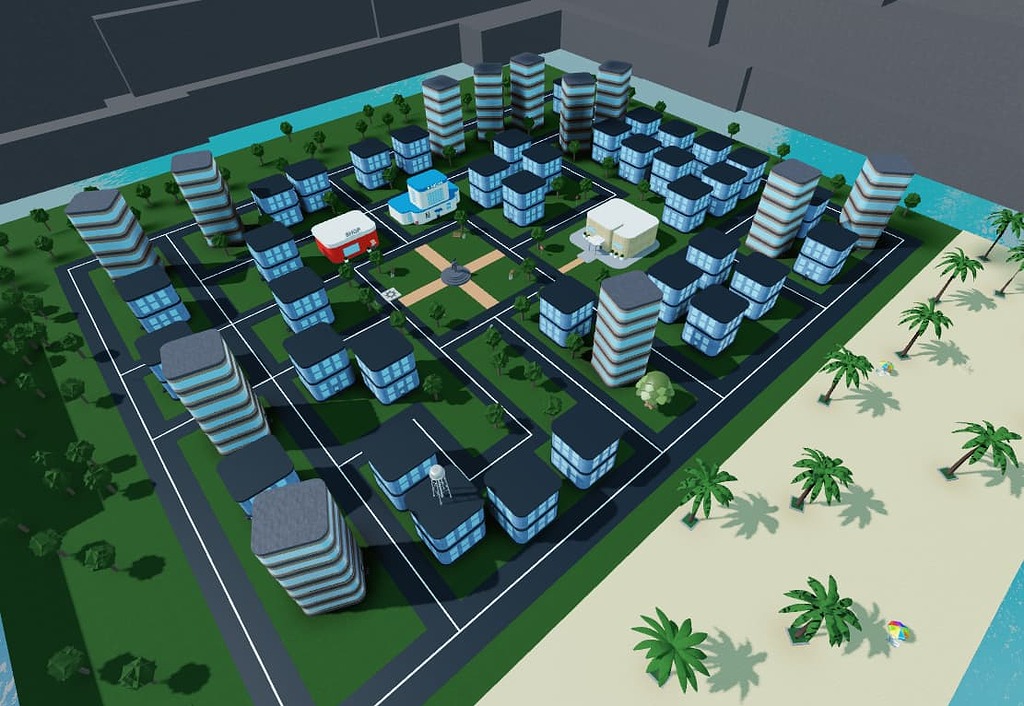
How To Create Your Own Map In Roblox Insiderbits Image 2023 10 1024x551 . Get Roblox Maps A Simple Guide . Maps For Roblox For Android Download Maps For Roblox Screenshot . Oak Creek Town Roblox Western American Rural Map O . Create Awesome Roblox Maps



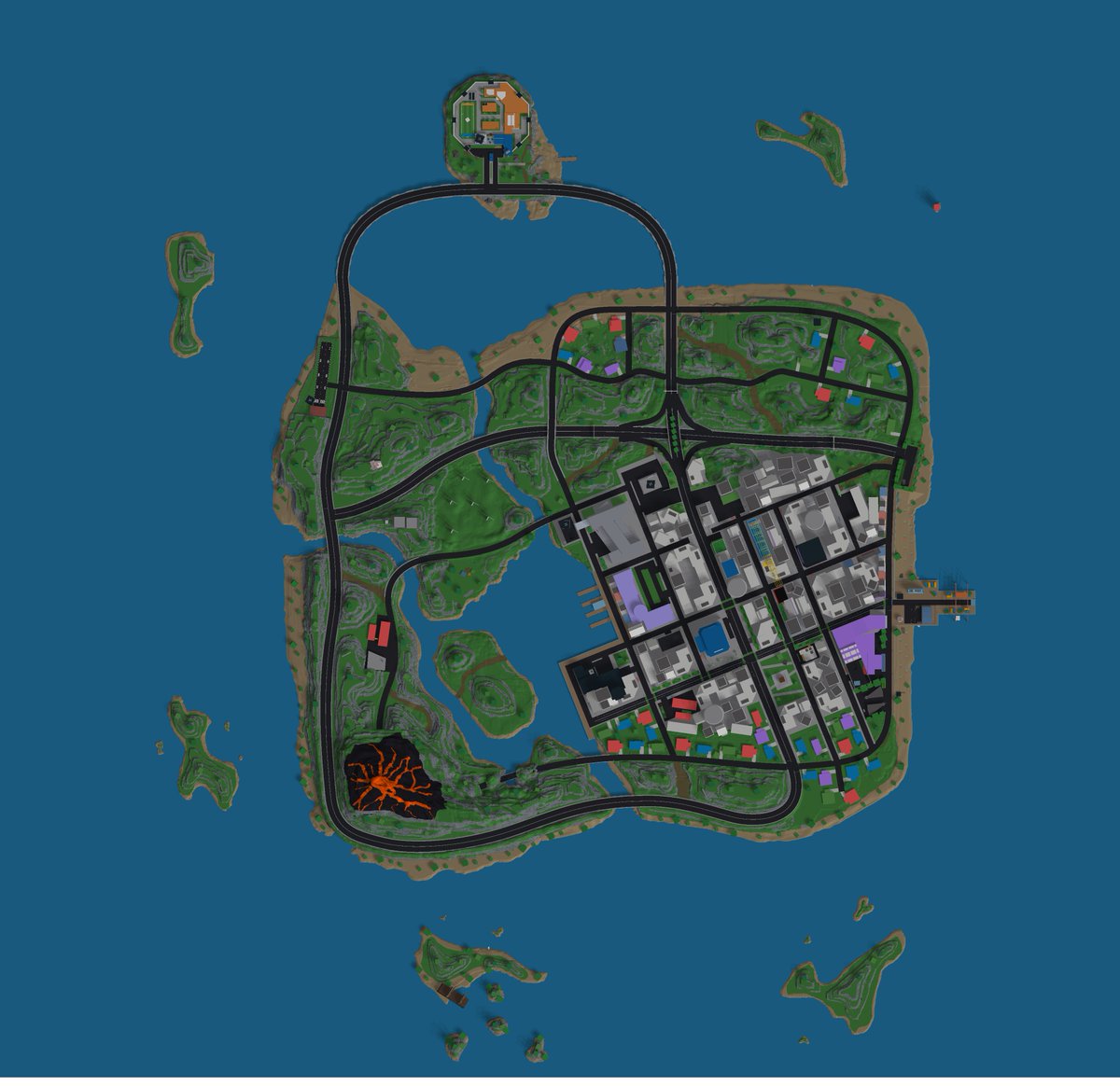
ROBLOX Realistic Town Map FREE YouTube . City Map For My Game Creations Feedback Developer Forum Roblox 2 1024x706 . Create Awesome Roblox Maps . ROBLOX Realistic Town Map FREE YouTube . Poititan Blog
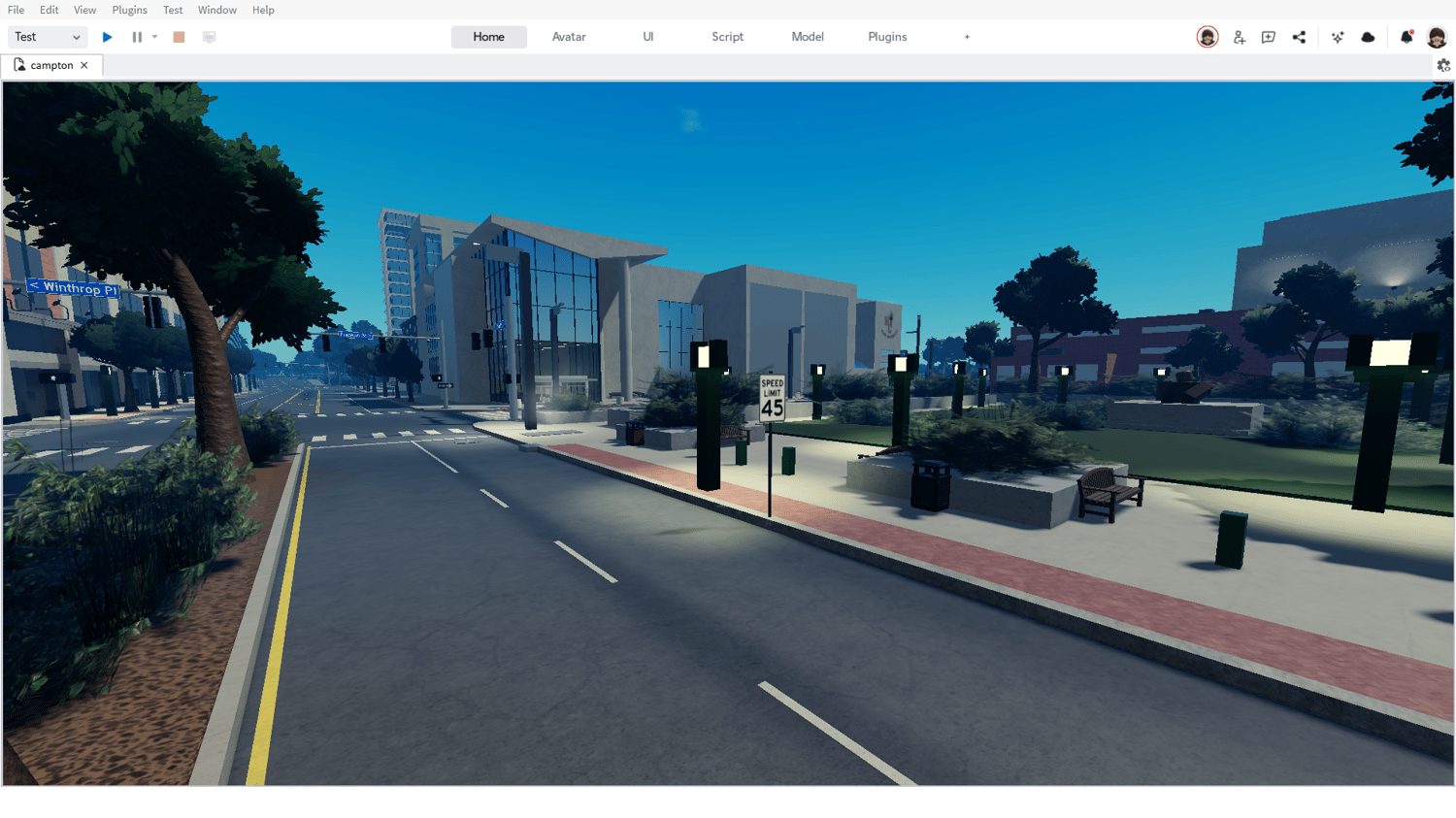
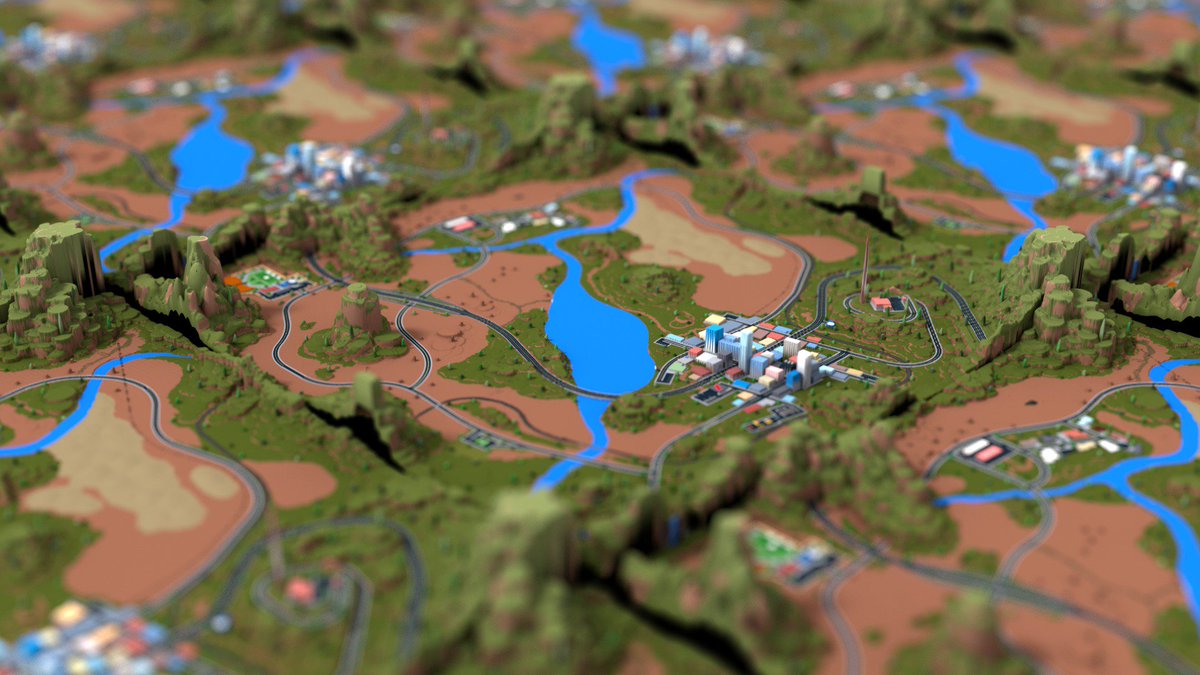
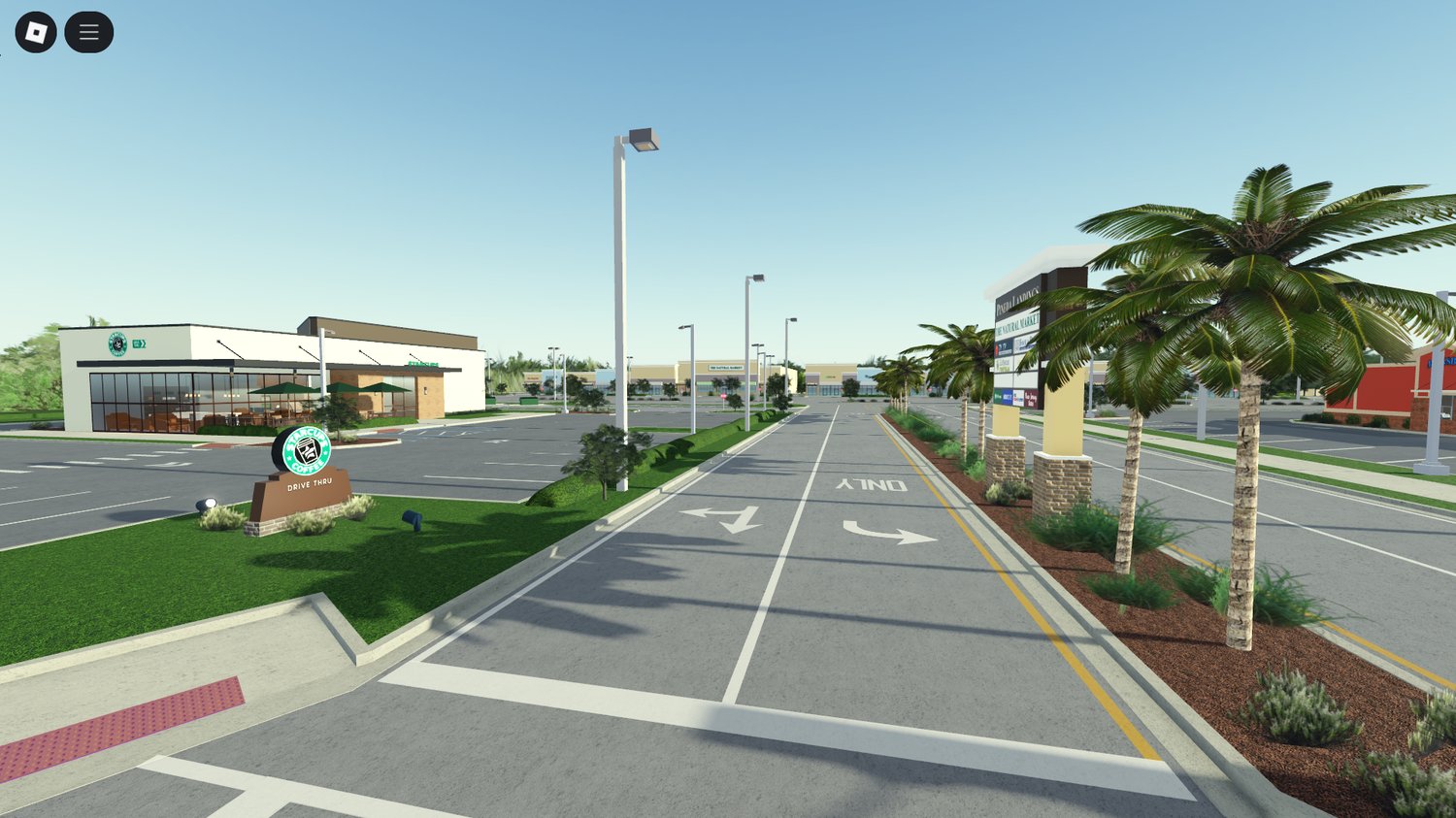
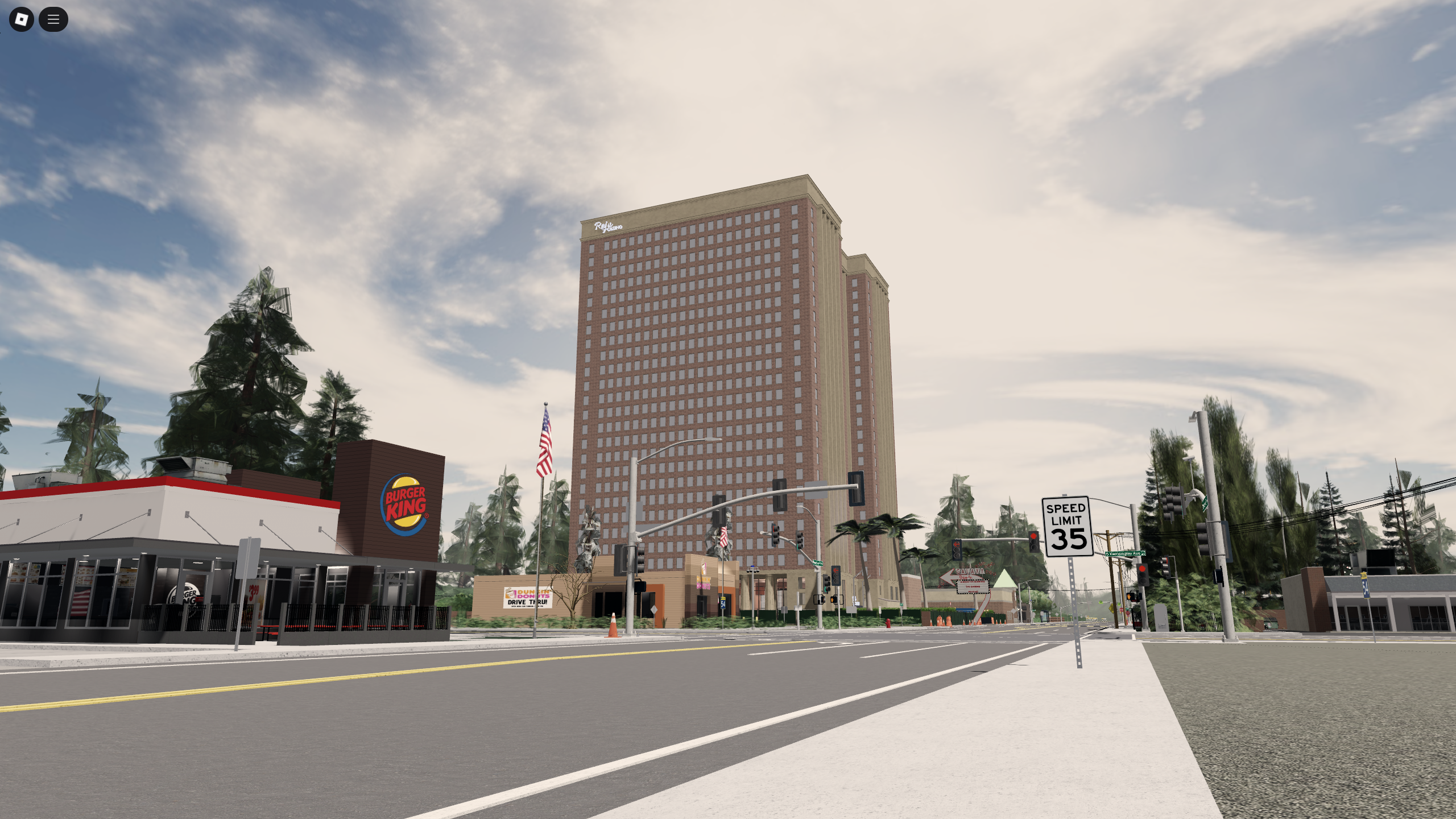
Roblox Asset Marketplace Buy Roblox Maps Payhip O . Download Map For Roblox Studio Trymaio . Link Check Results For Roblox Simulator Map Model Free Download Pages Dev Ff13d8f7 712b 4444 8df2. Free Roblox Maps Templates Download Ready To Use Roblox O . How To Download Roblox Studio In 2026 Beginner Setup What Actually O
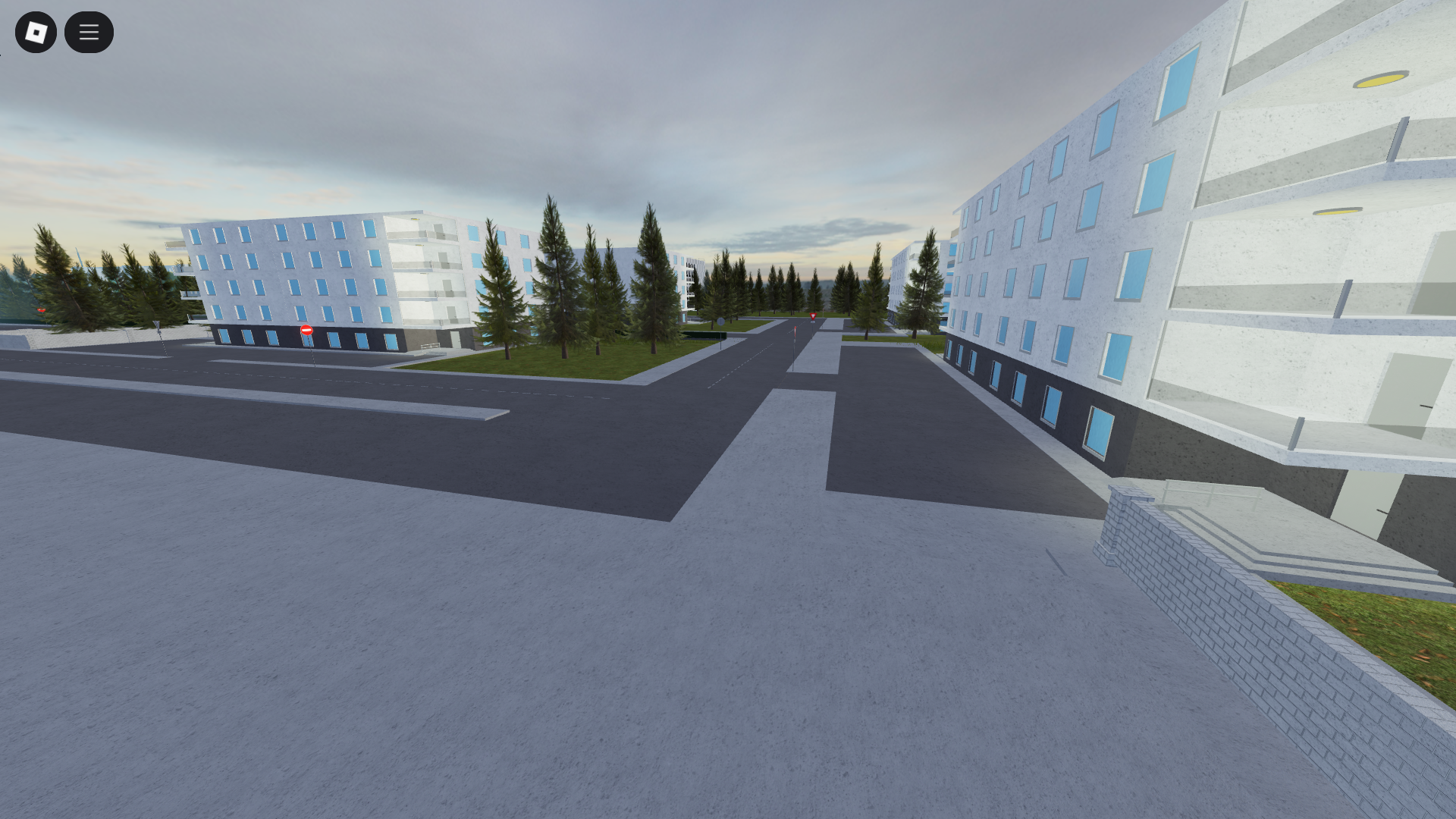
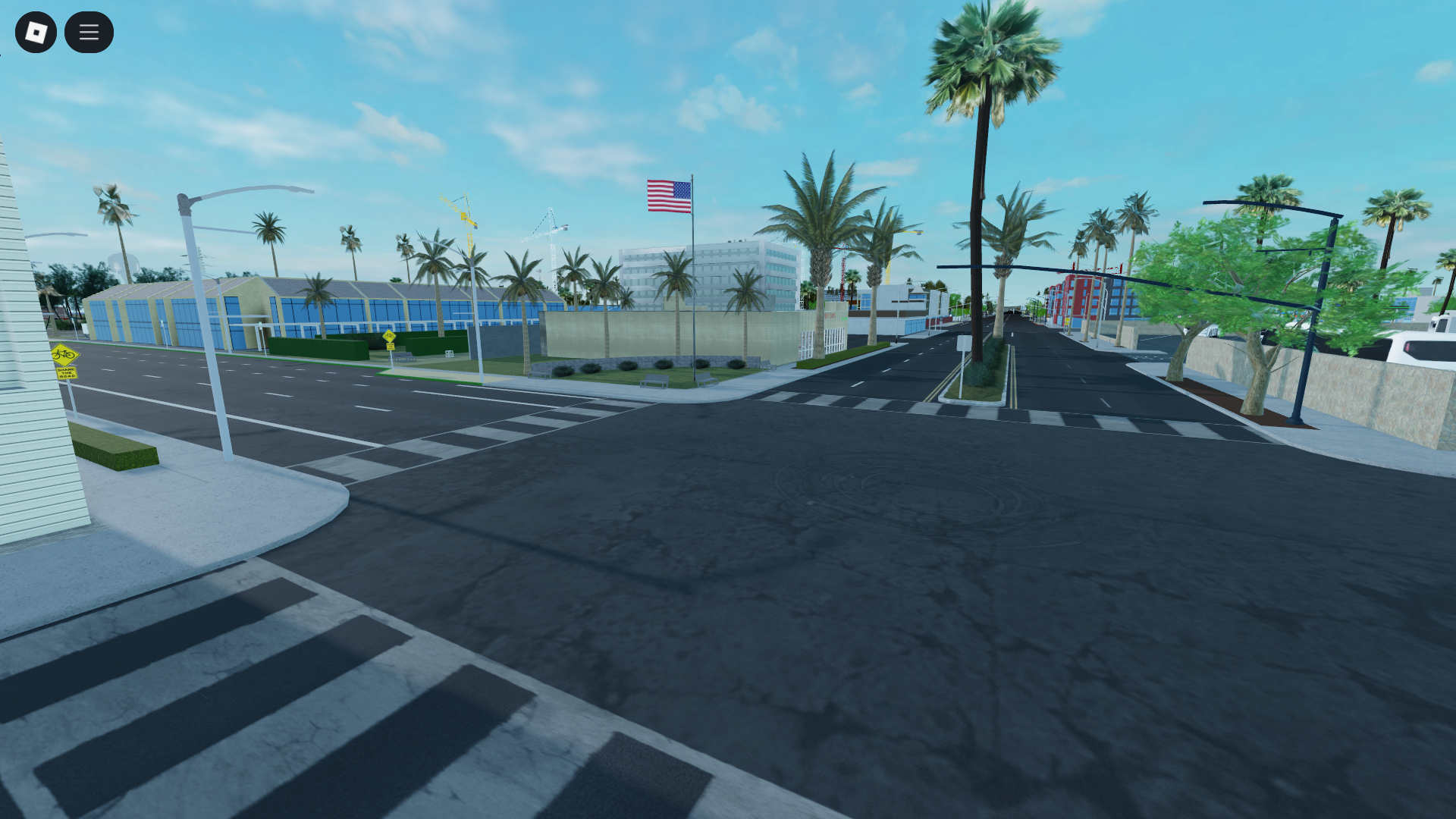
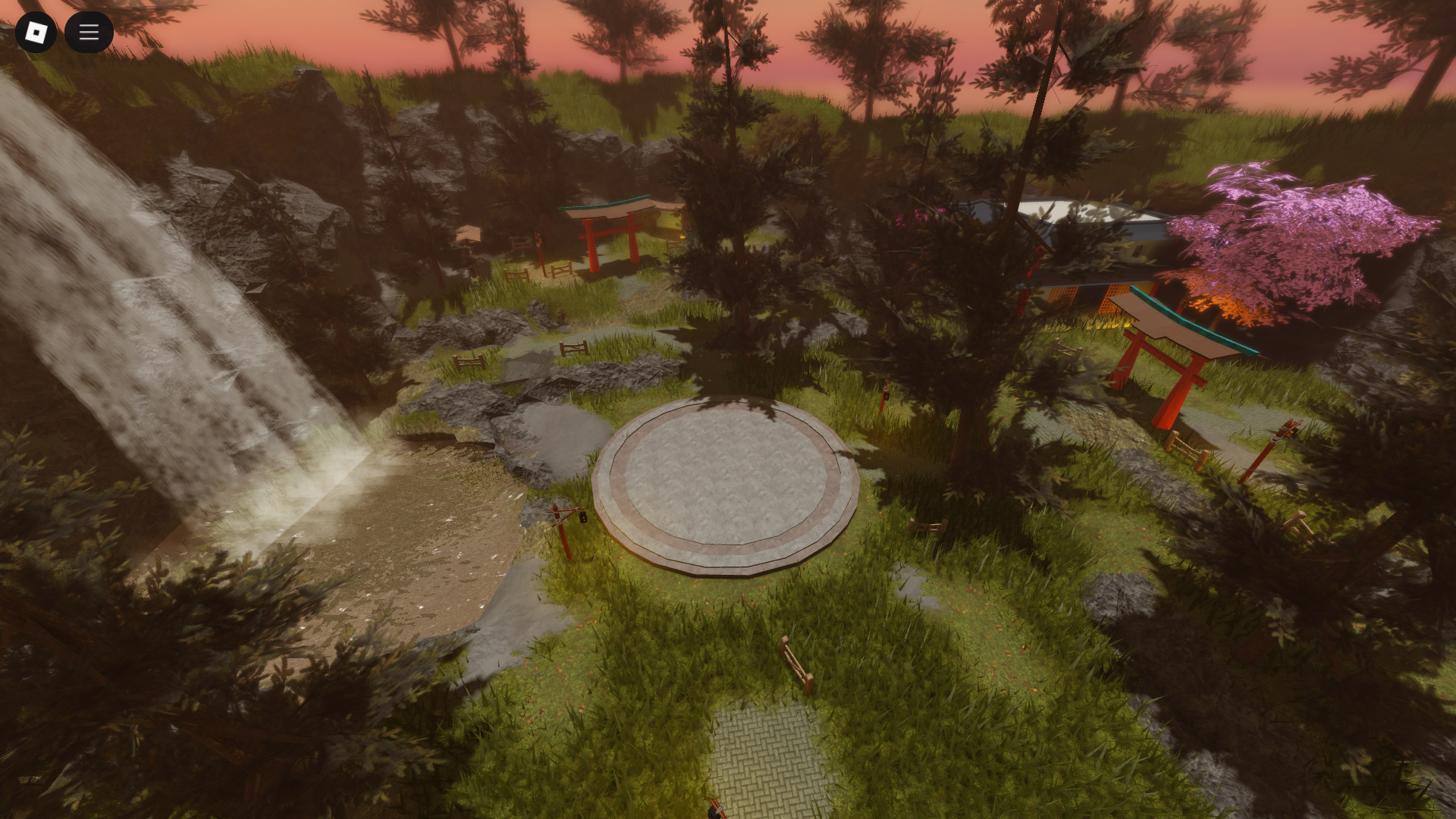

Roblox Maps Your Guide To Building Awesome Worlds Build A Realistic Roblox Map . 2026 Roblox Studio Models Guide What To Use Avoid And Why It Matters O . How To Get Started Creating On Roblox Beginner Friendly Overview O . How To Make Your Roblox Game Comply With Age Chat Rules 2026 Guide O . Exploring Roblox Games For 2026 What Makes Them Popular Best Roblox Games Natural Distaster Survival
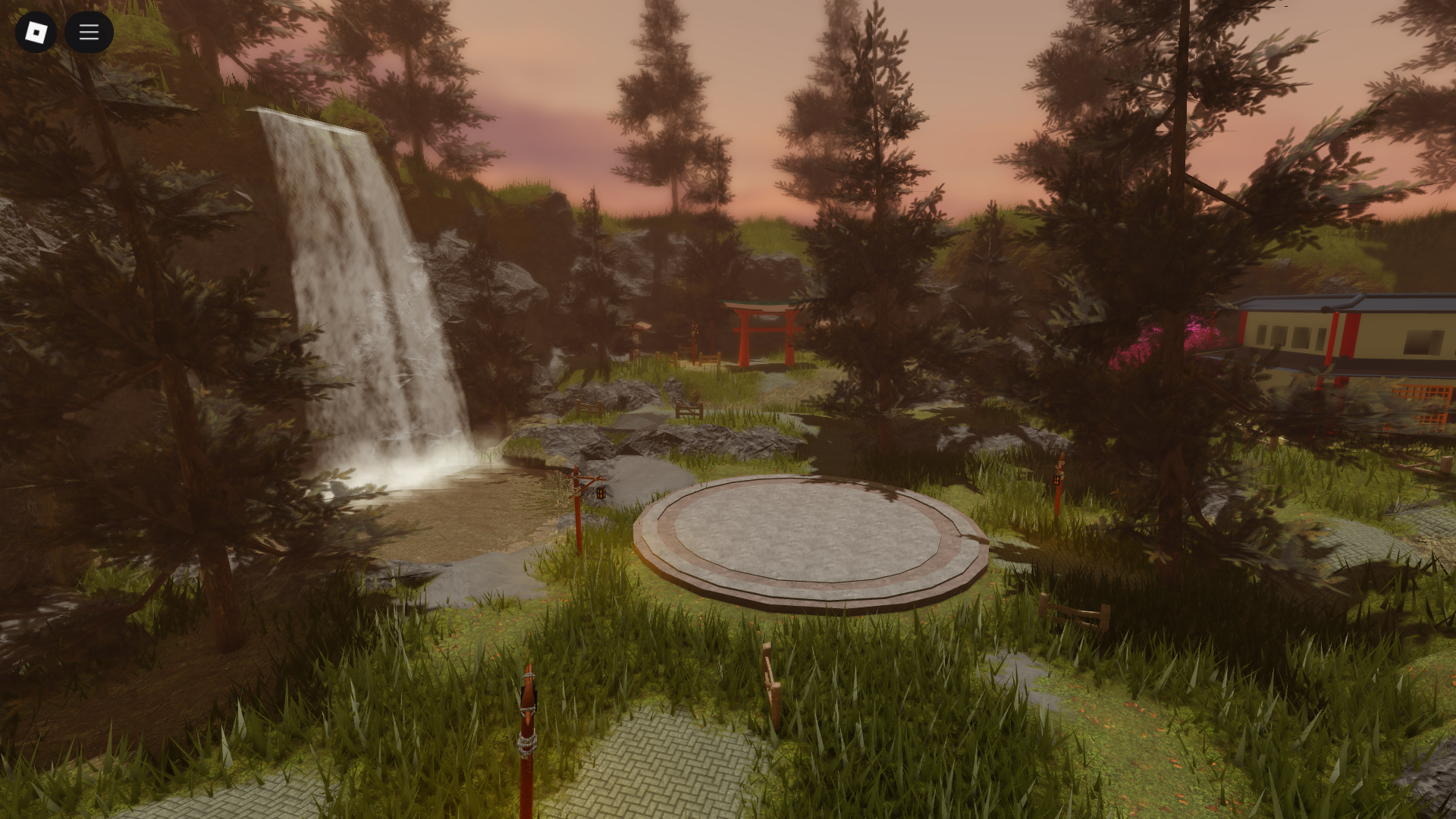
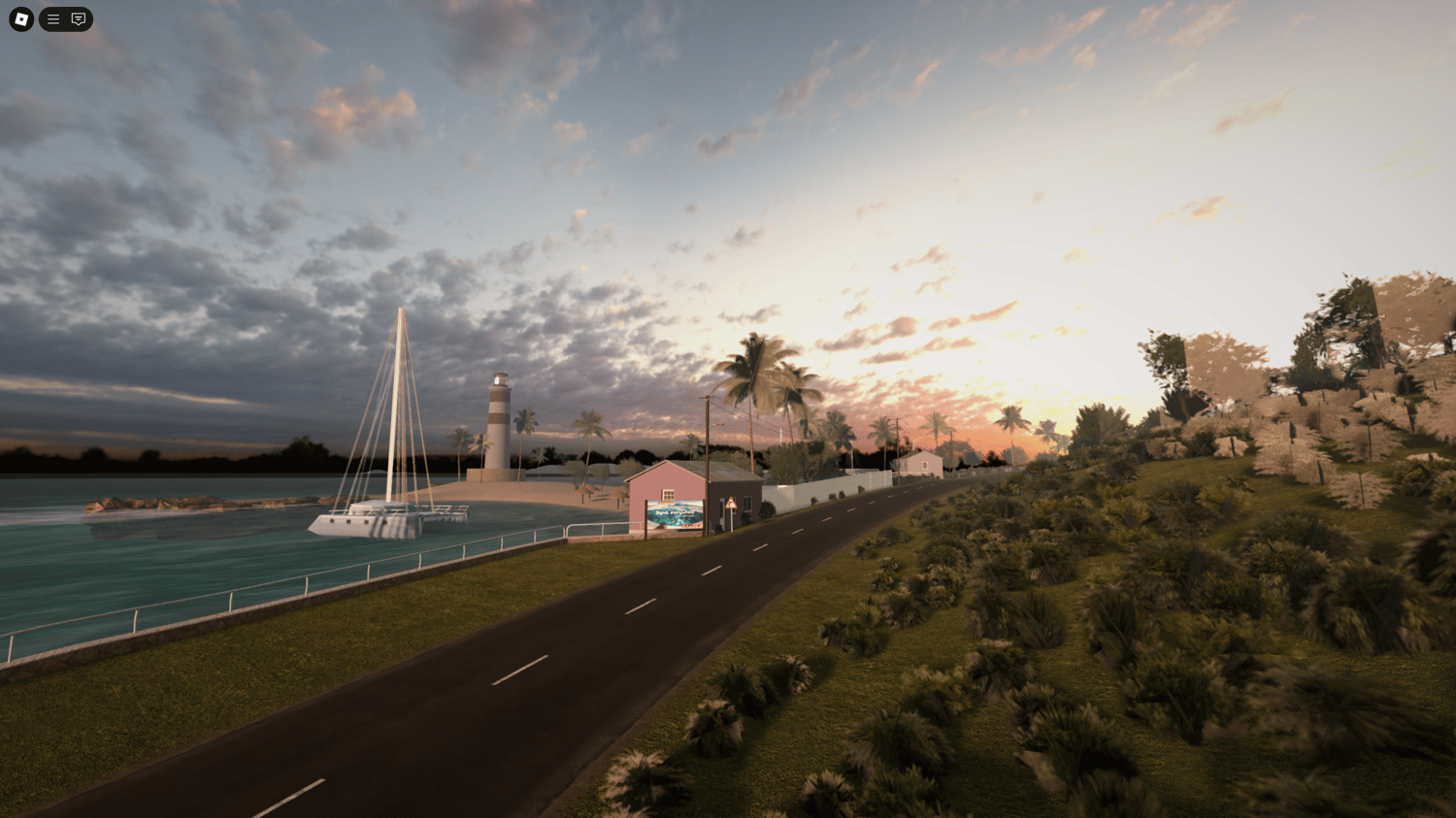

2026 Roblox Studio Models Guide What To Use Avoid And Why It Matters O . Free Roblox Maps Templates Download Ready To Use Roblox O . Roblox Iron Assault 2026 World Map YouTube . How To Download Roblox Studio In 2026 Beginner Setup What Actually O . Get Roblox Maps A Simple Guide 2 690x388



Definitive Guide To Roblox 2026 TM 07169 Definitive Guide To Roblox 2026 . Roblox 2026 Logo REVEALED New Color New Look YouTube Maxres2 . GAMING COLLAB 5 Roblox Maps You Absolutely Need To Play In 2026 Untitled 1 Copy . How To Message On Roblox 2026 A Quick Guide . Roblox At GDC 2026 Where To Find Us All Week Roblox

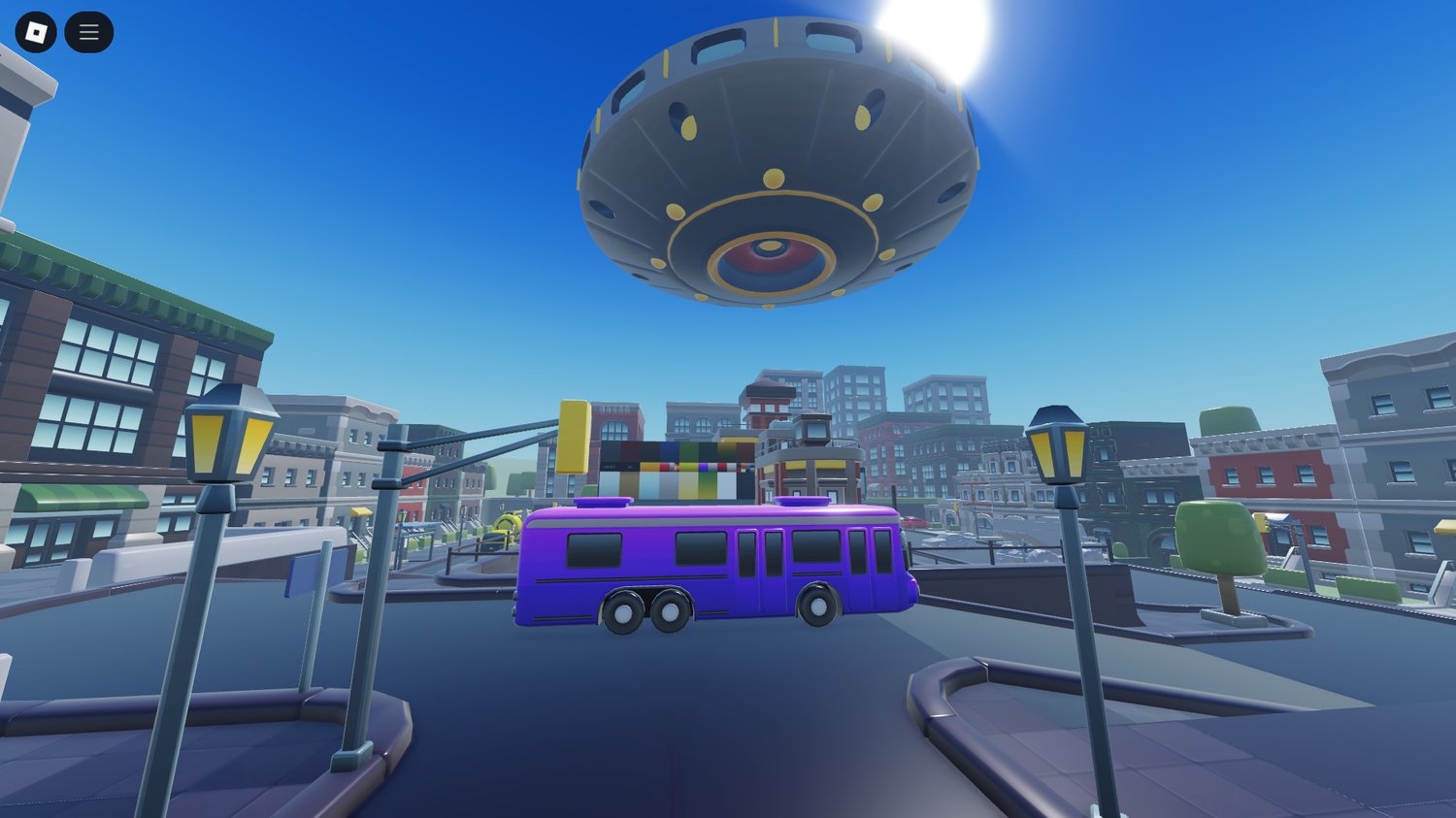

How To Build Realistic Roblox Maps Without Lag 2026 Guide O . Free Roblox Maps Full Games For Roblox Studio O . Free Maps Roblox . Free Roblox Maps And Templates Download Free Roblox Assets O . Roblox City Map Template 1000 Studs YouTube