Navigating the world of gaming storage in 2026 can feel overwhelming especially when balancing performance with budget. While SSDs often get the spotlight a good HDD for gaming still offers significant value especially for those with vast game libraries or limited upgrade funds. This guide is designed for the average gamer juggling work family and life commitments who wants to optimize their setup without breaking the bank. We cut through the hype to provide practical actionable advice on selecting a reliable high-capacity hard drive that meets modern gaming demands. Discover why an HDD might still be a smart choice for certain game types how to identify key features like RPM and cache and strategies for integrating an HDD into a hybrid storage solution for optimal speed and space. We will address common pain points like slow loading times managing massive game installations and making smart hardware upgrades on a budget ensuring you get the most enjoyment out of your valuable gaming time. Staying current with gaming trends in 2026 means making informed decisions and this resource aims to equip you with exactly that knowledge.
Q: What is a good HDD for gaming in 2026 and why does it still matter
A: A good HDD for gaming in 2026 typically refers to a high-capacity 7200 RPM drive with a decent cache 128MB or more. It still matters because modern game sizes are enormous making large-capacity SSDs prohibitively expensive for most gamers. HDDs offer a cost-effective solution for storing vast game libraries allowing you to keep all your titles installed without constant deletion. Many gamers opt for a hybrid setup using an SSD for the operating system and key games and an HDD for bulk storage.
Q: How much storage capacity should I look for in a dedicated gaming HDD
A: For a dedicated gaming HDD in 2026 a minimum of 2TB is recommended but 4TB to 8TB is often the sweet spot. This capacity provides ample room for current AAA titles which often exceed 100GB each along with future releases DLCs and game captures. Considering the average US gamer spends 10+ hours a week gaming having sufficient storage prevents frequent data management hassles and ensures your favorite titles are always ready.
Q: What RPM and cache size are essential for a good gaming HDD
A: When selecting a good HDD for gaming prioritize a rotational speed of 7200 RPM. This is crucial for faster data access and reducing load times compared to slower 5400 RPM drives. For cache size aim for at least 64MB but ideally 128MB or 256MB. A larger cache acts as a high-speed buffer significantly improving the drive's responsiveness and overall performance during gameplay.
Q: Is it better to have an SSD or a good HDD for gaming
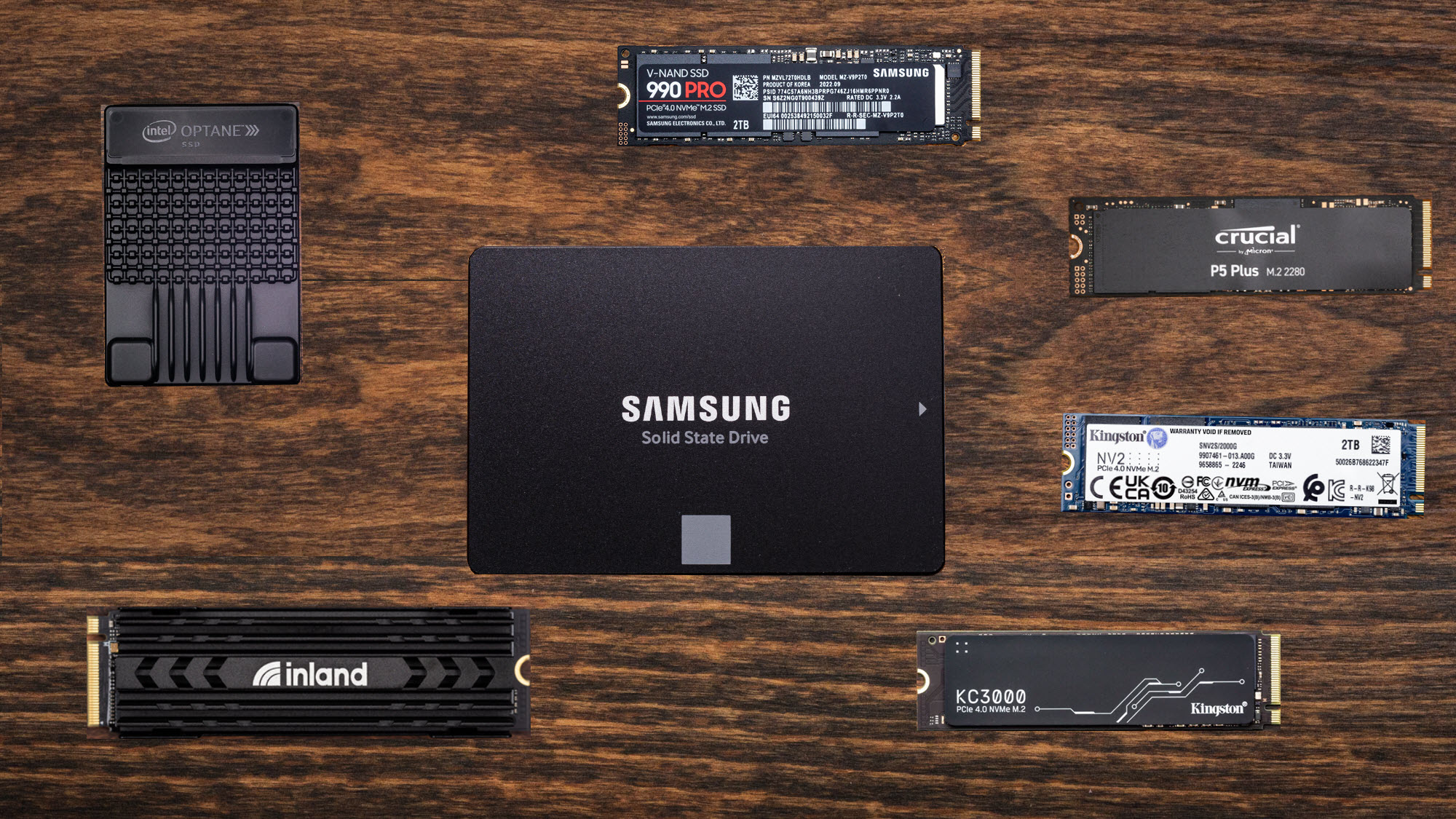
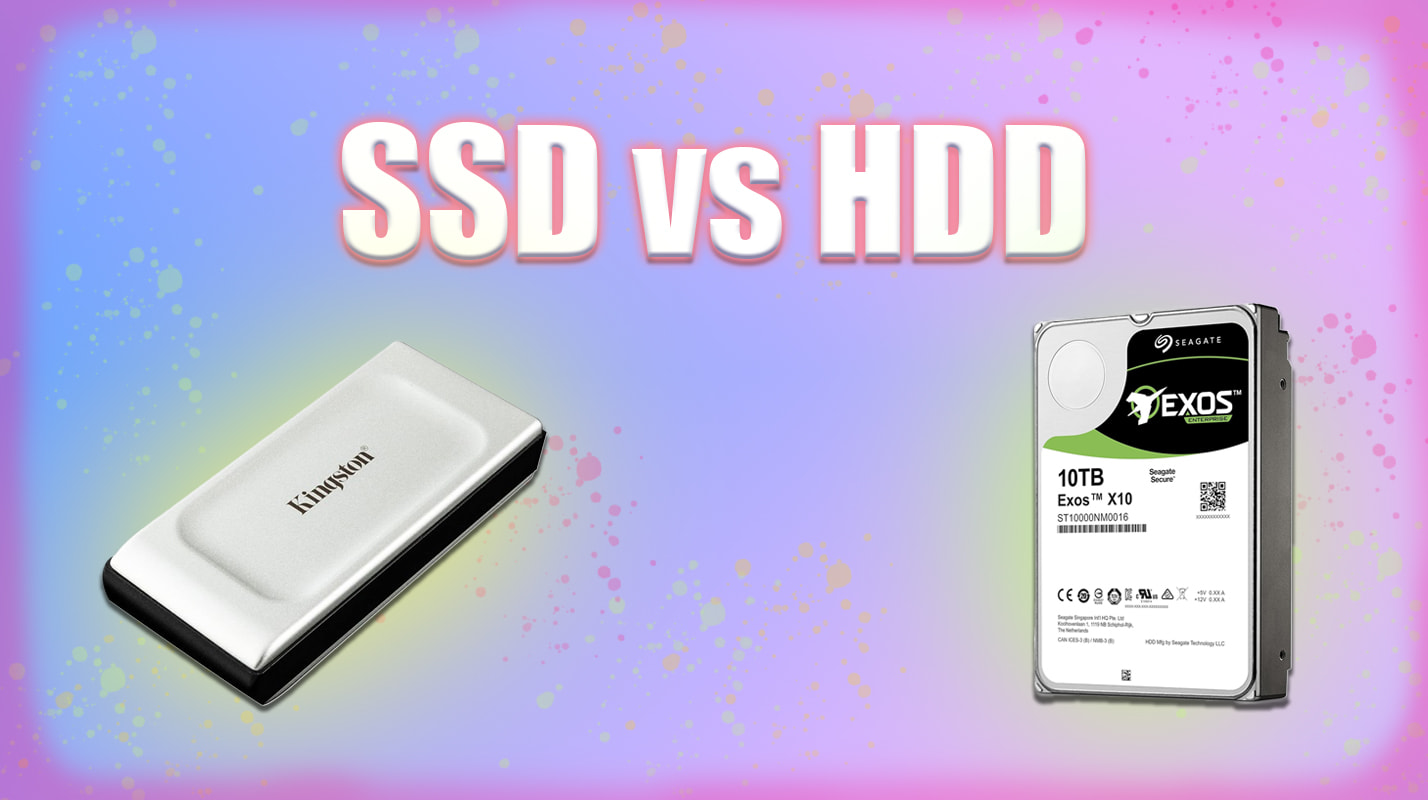
A: For optimal gaming experience a hybrid approach is best: an SSD for your operating system and frequently played, performance-critical games, and a good HDD for gaming to store your larger library of less demanding titles. SSDs offer superior speed for boot times and game loading, but HDDs provide significantly more storage per dollar, making them ideal for archiving your vast game collection without breaking the bank.
Q: Can I use an external HDD for gaming on my PC or console
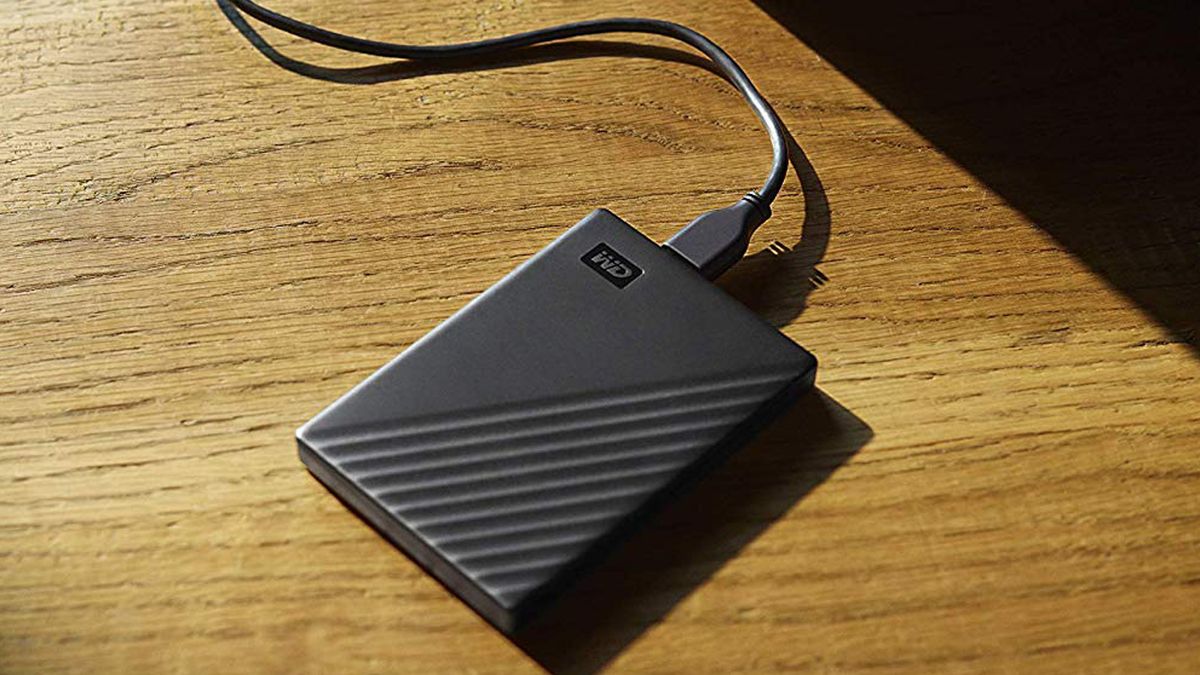
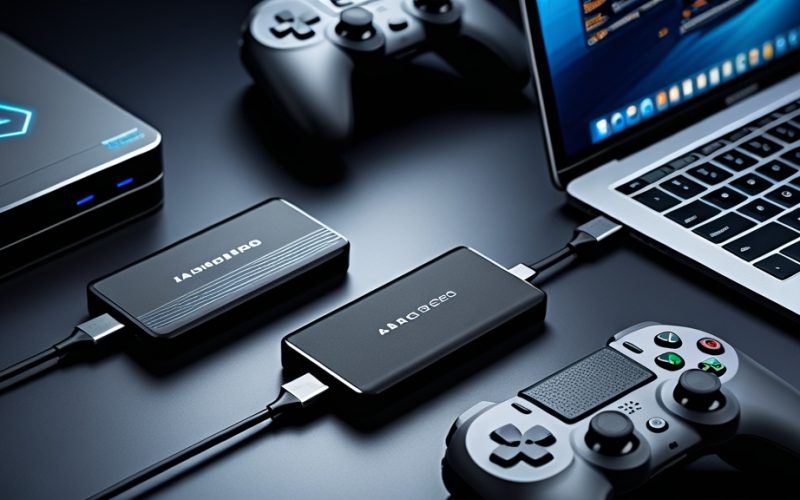
A: Yes, you can use an external HDD for gaming on both PC and consoles, particularly for storing less demanding games or expanding your library. For PCs, connect via USB 3.0 or faster for decent performance. While internal drives usually offer slightly better speeds and stability, an external HDD is a convenient, budget-friendly way to carry games or free up internal storage.
Q: How do I optimize a good HDD for gaming within a hybrid storage setup
A: To optimize a good HDD for gaming in a hybrid setup, install your operating system and frequently played, speed-sensitive games on your SSD. Use the HDD for bulk storage of your larger game library, older titles, and games where lightning-fast load times aren't critical. Most game launchers allow you to specify installation paths, giving you control over where each game resides for balanced performance and capacity.
Q: What are the top brands recommended for a reliable gaming HDD in 2026
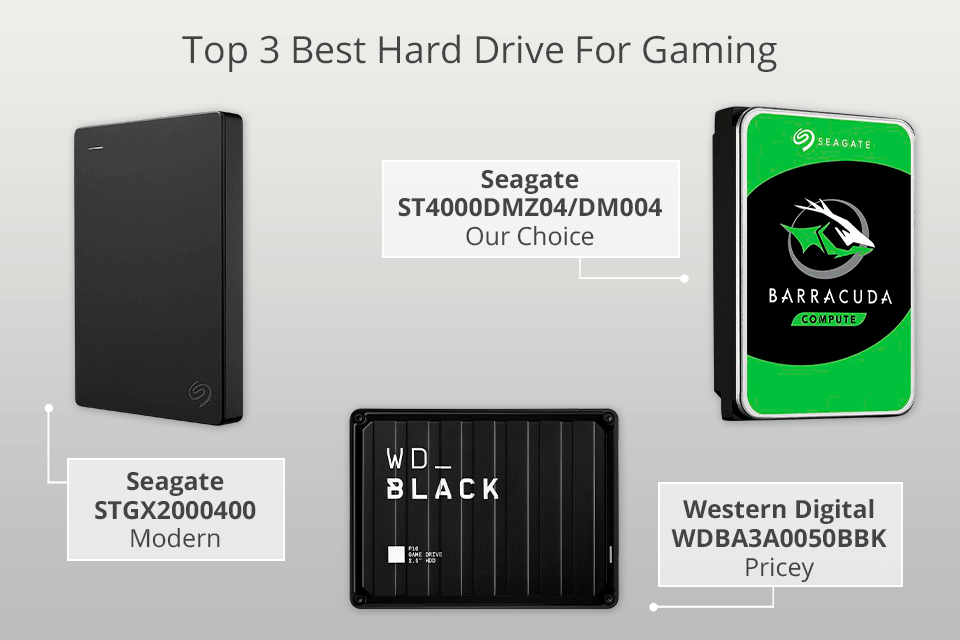
A: For reliable gaming HDDs in 2026, top brands consistently recommended are Western Digital (WD) and Seagate. Specifically, look for WD's Black series or Seagate's Barracuda Pro series. These drives are known for their 7200 RPM speeds, larger cache sizes, robust build quality, and overall reliability, making them excellent choices for a good HDD for gaming.
Hey fellow gamers Ever feel like your digital game library is bursting at the seams Or maybe you're tired of uninstalling beloved titles just to make room for the latest must-play release We get it. Balancing a demanding job family life and a passion for gaming often means limited time and a tight budget for hardware upgrades. You want performance optimization value for money and to stay current without getting caught up in endless tech hype. With US gamers spending an average of 10+ hours a week enjoying their favorite titles it's no wonder storage fills up fast. While solid-state drives SSDs dominate speed discussions hard disk drives HDDs still play a vital role in a smart gaming setup especially when considering massive game file sizes and the economics of expanding your digital playground.
This month alone we've seen several major titles drop many easily exceeding 100GB. Forget about last-gen games even some popular indie and social games are growing in size. So how do you keep all your games installed and ready to play without constant juggling or breaking the bank That's where a good HDD for gaming comes in. It's about making informed choices to enhance your gaming experience allowing you more time to relax have fun build skills with friends and keep up with what's trending without the headache of storage woes. Let's dive into how to pick the perfect HDD for your gaming rig.
What Makes a Good HDD for Gaming in 2026 Relevant Today
In 2026 despite the rise of NVMe SSDs HDDs remain incredibly relevant for gamers primarily due to their superior cost-per-gigabyte. A good HDD for gaming offers vast storage capacities at a fraction of the price of an equivalent SSD making it ideal for archiving your entire game collection or housing titles that don't require lightning-fast loading times. Many gamers today use a hybrid setup an SSD for the operating system and frequently played games and an HDD for bulk storage. This month's gaming trends show continued growth in social and cozy games often with larger install sizes where load times are less critical than in competitive esports titles. This strategy allows you to balance performance with an expansive library without constant deletion and re-downloading a pain point for many busy gamers.
Why Do Gamers Still Need HDDs When SSDs Are Faster
The sheer size of modern games is the primary reason. Titles like Call of Duty Warzone or Red Dead Redemption 2 can easily consume hundreds of gigabytes. With 87% of US gamers regularly engaging with their hobby the need for storage is constant. SSDs while incredibly fast become prohibitively expensive at higher capacities. For example a 4TB SSD can cost several times more than a 4TB HDD. An HDD for gaming provides an economical solution for storing your entire collection of single-player epics online multiplayer behemoths and free-to-play favorites. It allows gamers to install dozens perhaps even hundreds of games without worrying about running out of space. Plus for games where initial load times aren't a deal-breaker like many strategy or simulation games an HDD performs perfectly well.
How Much Storage Capacity is Ideal for a Gaming HDD
For most modern gamers a good HDD for gaming should start at a minimum of 2TB. However considering the accelerating growth of game sizes and the desire to build a future-proof setup 4TB to 8TB is often the sweet spot for a dedicated gaming HDD. This capacity provides ample room for your current library plus significant space for future titles without constant micromanagement. Remember it's not just about the games themselves but also patches DLCs and even game captures if you're into sharing your highlights. Many gamers also use this space for other media like movies or large work files blurring the lines between their gaming and everyday computing needs. Think about your current game library size and how many new games you typically add each year to gauge your optimal capacity.
What RPM and Cache Size Should I Look for in a Gaming HDD
When selecting a good HDD for gaming prioritize drives with a rotational speed of 7200 RPM rotations per minute. While 5400 RPM drives exist they are noticeably slower and not recommended for gaming where data access speed impacts performance. For cache size look for at least 64MB but ideally 128MB or 256MB. The cache acts as a high-speed buffer for frequently accessed data improving responsiveness. A higher RPM combined with a larger cache provides the best possible performance an HDD can offer reducing load times and in-game stutters compared to lower-spec models. These specifications are crucial for ensuring your HDD doesn't become a bottleneck for your gaming experience.
Can an External HDD Be a Good Option for Gaming
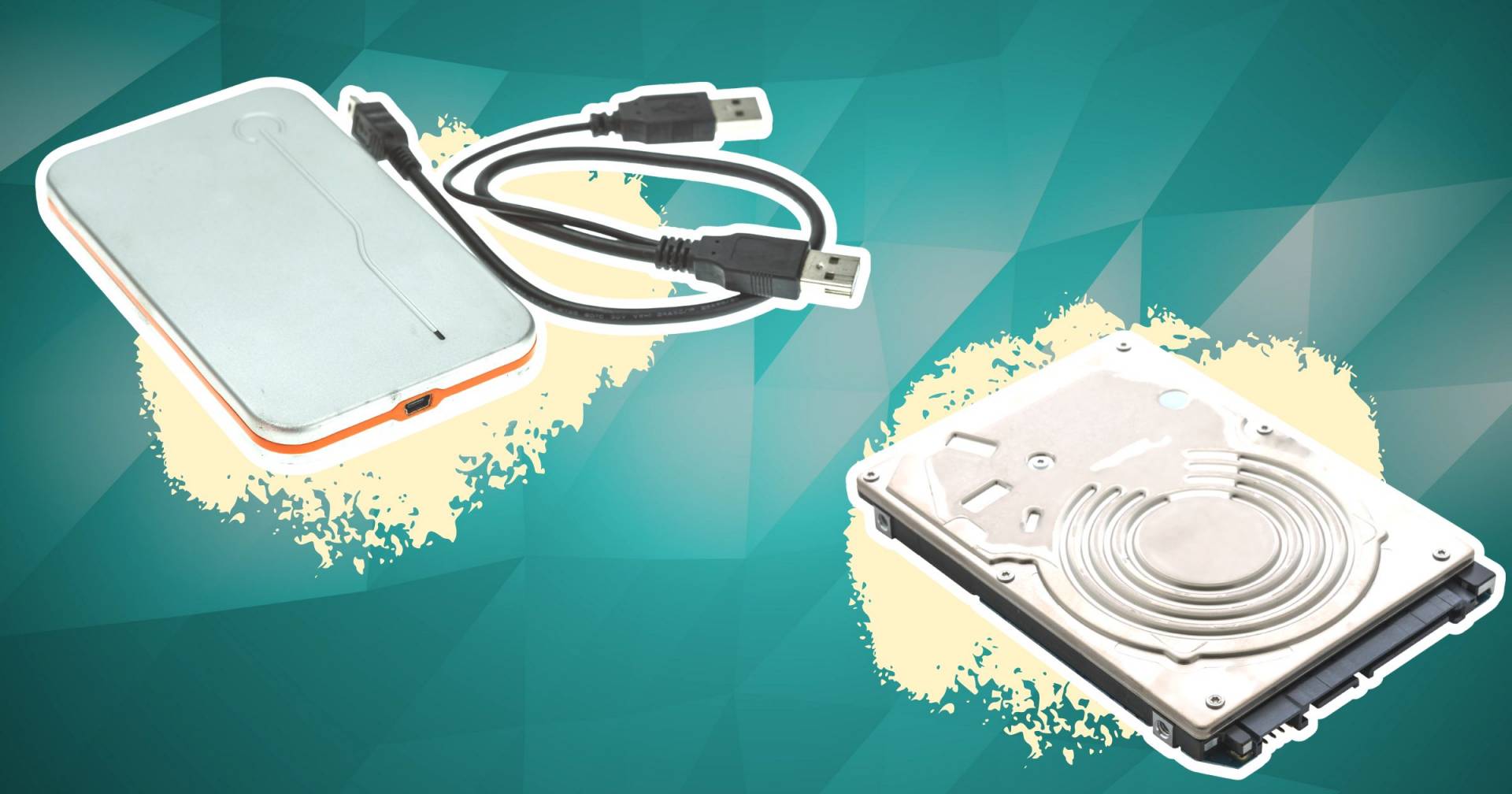
Yes an external HDD can be a good option for certain gaming scenarios especially for console gamers or PC users needing portable storage. For PC gaming an external HDD connected via USB 3.0 or faster can hold a significant library of games. It's excellent for less demanding titles or for simply archiving games you don't play daily but want readily available. Many busy adults who game on a laptop might find an external drive perfect for carrying their favorite games between home and office. While internal HDDs generally offer slightly better performance and are less prone to accidental disconnection external drives provide immense flexibility. Just ensure it's a 7200 RPM drive with sufficient cache if performance is a concern for the games you intend to play from it.
How Do I Set Up a Hybrid Storage System with an SSD and HDD for Gaming
Setting up a hybrid storage system is surprisingly straightforward and offers the best of both worlds. Here's a simple guide:
- Install your Operating System OS on the SSD: This ensures lightning-fast boot times and overall system responsiveness.
- Install Frequently Played Games on the SSD: Any competitive multiplayer game or title where load times significantly impact your experience should go here.
- Install Less Demanding Games and Archives on the HDD: Your expansive single-player titles older favorites and games you don't play daily can reside on the HDD.
- Configure Game Launchers: Most game launchers like Steam Epic Games or GOG allow you to specify installation locations for individual games giving you full control.
This setup ensures that your most critical applications and games benefit from the SSD's speed while your vast library is economically housed on the HDD. It's a pragmatic solution for gamers who value both performance and an extensive collection without a hefty price tag.
What Brands Offer Good HDDs for Gaming
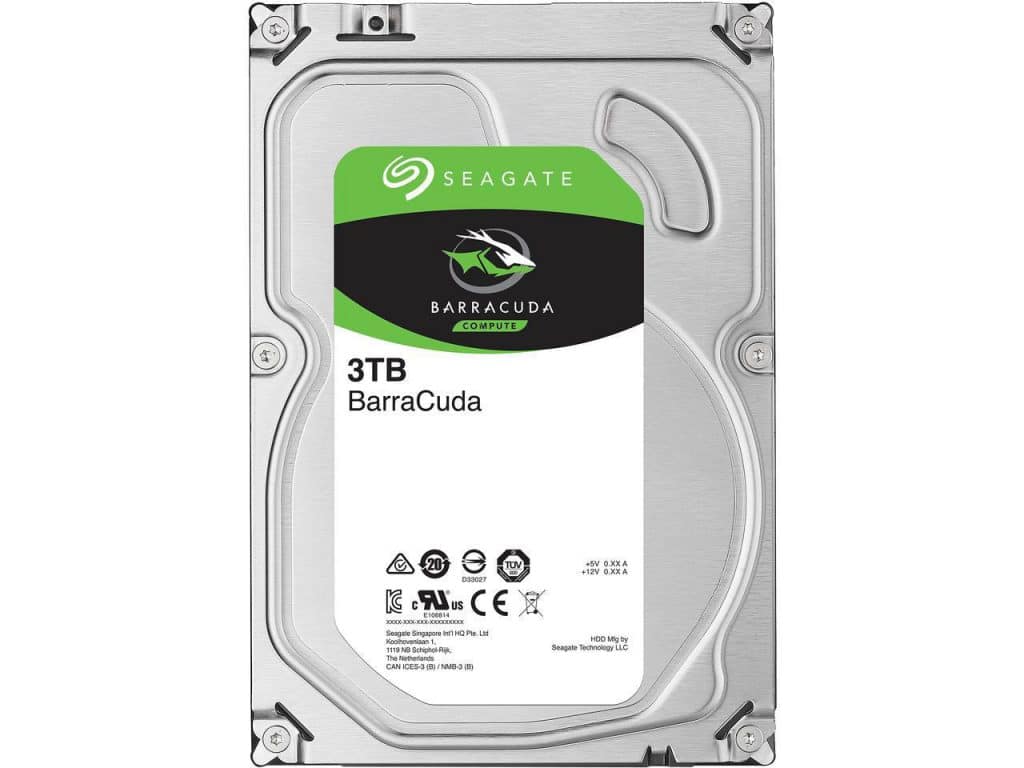
When looking for a good HDD for gaming reputable brands like Western Digital WD and Seagate are consistently recommended. Both offer drives specifically marketed for gaming or high-performance desktop use. For example WD's Black series or Seagate's Barracuda series are popular choices known for their reliability and performance characteristics. These drives typically feature 7200 RPM speeds larger cache sizes and robust build quality. Always check recent reviews and product specifications to ensure you're getting the best value and performance for your budget especially as technology subtly evolves even in the HDD space. Focusing on these established brands minimizes the risk of purchasing an unreliable drive.
When Should I Consider an SSD Instead of an HDD for All My Gaming Needs
You should consider an all-SSD setup if budget is not a primary concern and you demand the absolute fastest load times for every single game. This month's trends continue to highlight the performance benefits of SSDs for games with complex open worlds and quick scene transitions. If you primarily play competitive esports titles where every millisecond counts or if you frequently jump between many different large games throughout the day an SSD-only setup will provide the smoothest experience. However for the average gamer balancing work and family the cost of achieving 4TB or more of SSD storage is often prohibitive. For most a good HDD for gaming in conjunction with an SSD remains the most sensible and cost-effective approach to building a versatile gaming rig.
Conclusion
Choosing a good HDD for gaming in 2026 isn't about ignoring SSDs it's about making smart strategic choices for your setup and your wallet. By understanding the optimal capacity RPM and cache you can build a powerful hybrid storage system that keeps your favorite games ready to play without constant frustration. This balanced approach allows you to enjoy the best of modern gaming trends from social co-op adventures to sprawling single-player sagas all while managing your budget effectively. Remember your gaming experience should be about fun and relaxation not storage headaches.
What's your biggest gaming storage challenge Comment below and let's help each other out
FAQ Section
Is an HDD still good for gaming in 2026
Yes an HDD is still good for gaming in 2026 especially for storing large game libraries and less performance-critical titles. Many gamers use a hybrid setup with an SSD for the OS and frequently played games and an HDD for bulk storage of other games.
What is the best RPM for a gaming HDD
For gaming the best RPM is 7200 revolutions per minute. Drives with 7200 RPM offer significantly better performance and responsiveness compared to slower 5400 RPM drives making them ideal for reducing game load times and in-game stutters.
How much cache should a gaming HDD have
A good gaming HDD should have at least 64MB of cache with 128MB or 256MB being even better. A larger cache size acts as a high-speed buffer for frequently accessed data improving the drive's overall performance and responsiveness during gameplay.
Can I use an old HDD for new games
You can use an old HDD for new games but its performance might be a bottleneck. Older drives might have lower RPMs or smaller cache sizes leading to longer load times. For optimal experience consider a newer 7200 RPM HDD or a hybrid SSD plus HDD setup.
Are external HDDs suitable for gaming on PC
External HDDs are suitable for PC gaming especially for storing less demanding games or archiving titles. Connect them via USB 3.0 or faster for decent speeds. For demanding games internal HDDs or SSDs are generally preferred due to potentially better performance and stability.
What is a hybrid storage setup for gaming
A hybrid storage setup combines a fast SSD for the operating system and frequently played games with a larger more affordable HDD for bulk storage of other games and media. This offers a balance of speed and capacity providing an optimized gaming experience without excessive cost.
What are the common gaming pain points addressed by a good HDD for gaming
A good HDD for gaming addresses several common pain points for busy adult gamers. Firstly it solves the issue of constantly running out of space allowing you to keep a vast library installed without agonizing over which games to uninstall. This directly tackles the frustration of setup issues and managing large game files. Secondly it provides a budget-friendly way to expand storage, making hardware upgrades accessible without a huge financial commitment. This aligns with the value-for-money aspect gamers appreciate. Lastly when paired with an SSD in a hybrid setup it helps optimize performance for critical titles while ensuring you have space for all your games for relaxation fun and social play without sacrificing too much speed for the less demanding ones. It's about maximizing enjoyment while minimizing practical hurdles.
High-capacity HDD for large game libraries in 2026 7200 RPM drives for better performance Cache size matters for gaming HDDs Hybrid storage SSD plus HDD offers optimal balance Budget-friendly gaming storage solutions When to choose HDD over SSD for specific game types
35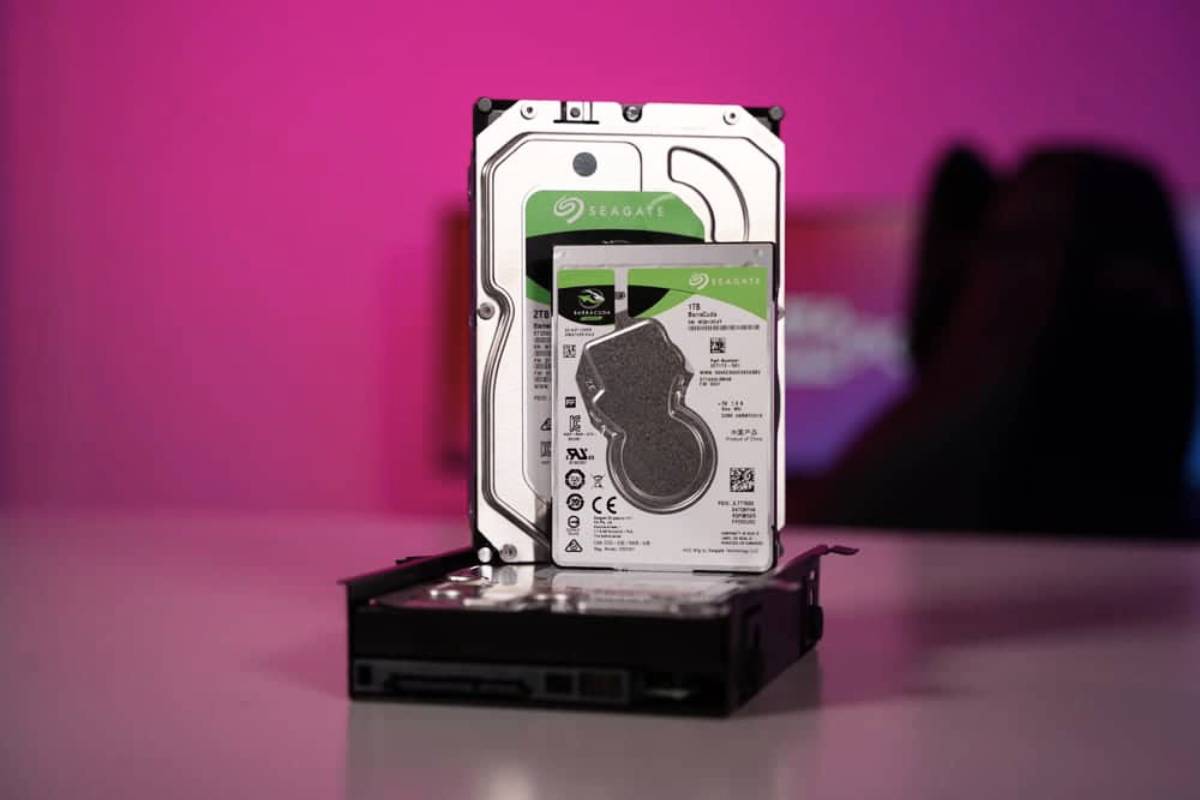


Best Hard Drive HDD For Gaming 2026 Best For Speed Storage Best Hard Drive For Gaming . Should You Choose HDD For Gaming Affordable Options LevelUpTalk Hdd Vs Ssd Gaming 02 23 2026 3c5a11b0 8c9e 47ba 9941. Best Hard Drive For Gaming 2026 SSD Vs HD Gaming PC Guru Best Hard Drive For Gaming Featured . 8 Best Hard Drives For Gaming In 2026 Best Hard Drives For Gaming Top 3 . Best Hard Drives 2024 For Gamers Creators And Everyday Users Lucky Good HDD For Gaming PC
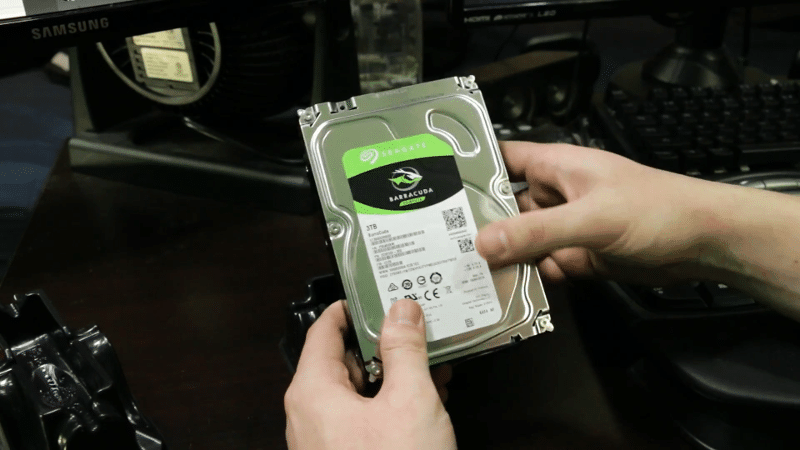

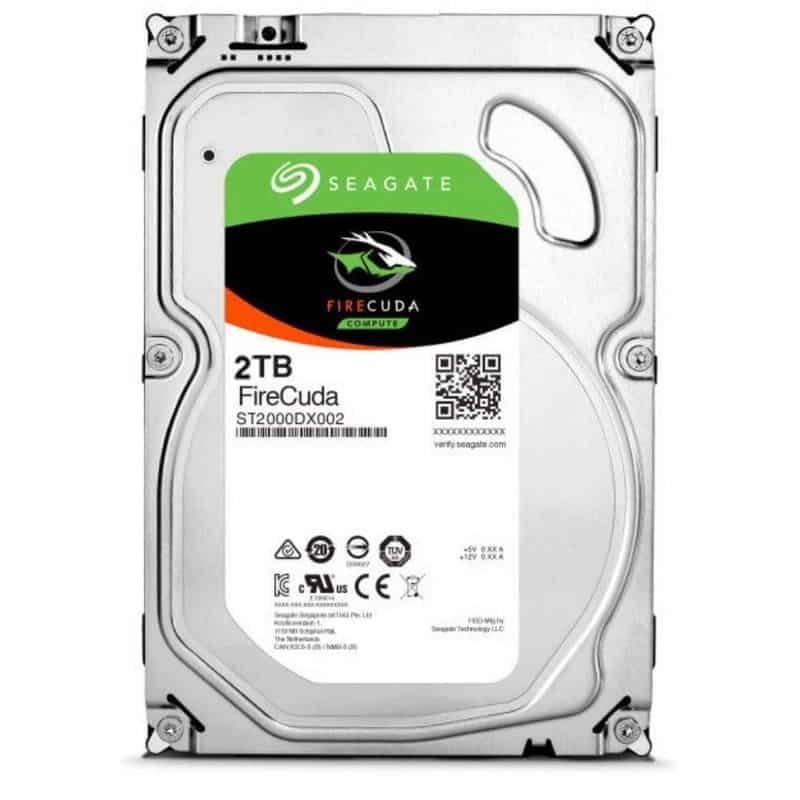
The 10 Good Hdd For Gaming Of 2026 Tested By Our Experts Good Hdd For Gaming 1681730453 1920 60 . Best Hard Drive HDD For Gaming 2026 Best For Speed Storage Seagate Barracuda 3TB Unboxing 2 . 6 Best Gaming PC Hard Drives Of 2026 Top Gaming Hard Drives . Best Hard Drive HDD For Gaming 2026 Best For Speed Storage Seagate FireCuda 2TB . 8 Best Hard Drives For Gaming In 2026 News Fb Image 15511
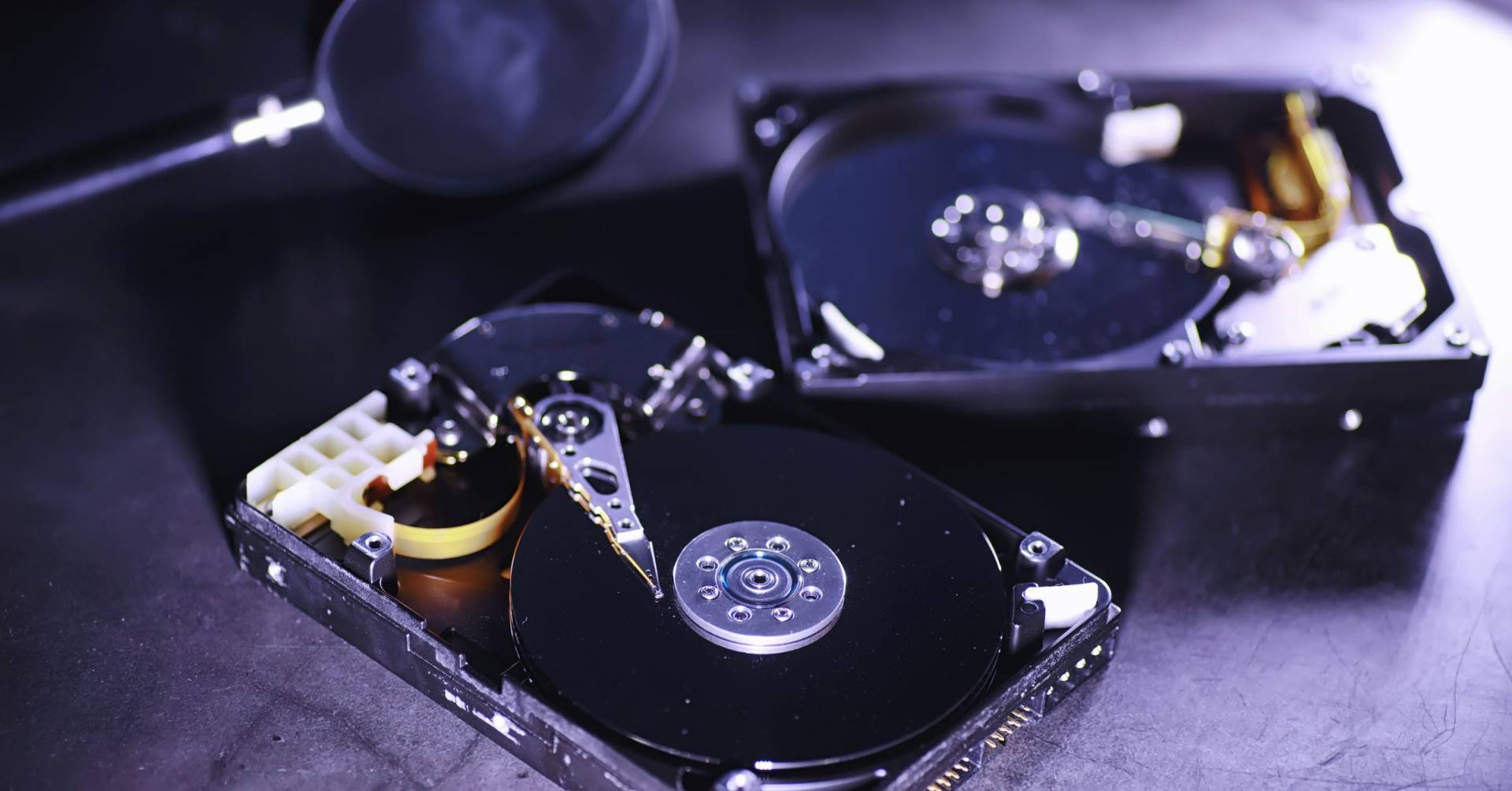


The Best Internal Hard Drive For Gaming Pc In 2026 Best Internal Hard Drive For Gaming Pc 1693892233 1920 60 . Best Hard Drives For Gaming In 2022 Internal And External The Tech Best Hard Drives For Gaming . The Best Hard Drive For Gaming In 2026 HDD Buying Guide Best Hard Drive For Gaming 2023 Overall High Capacity For Console . Best HDD For Gaming In 2026 HDD For Gaming . Best Hard Drive HDD For Gaming 2026 Best For Speed Storage Seagate Barracuda 3TB 1024x768


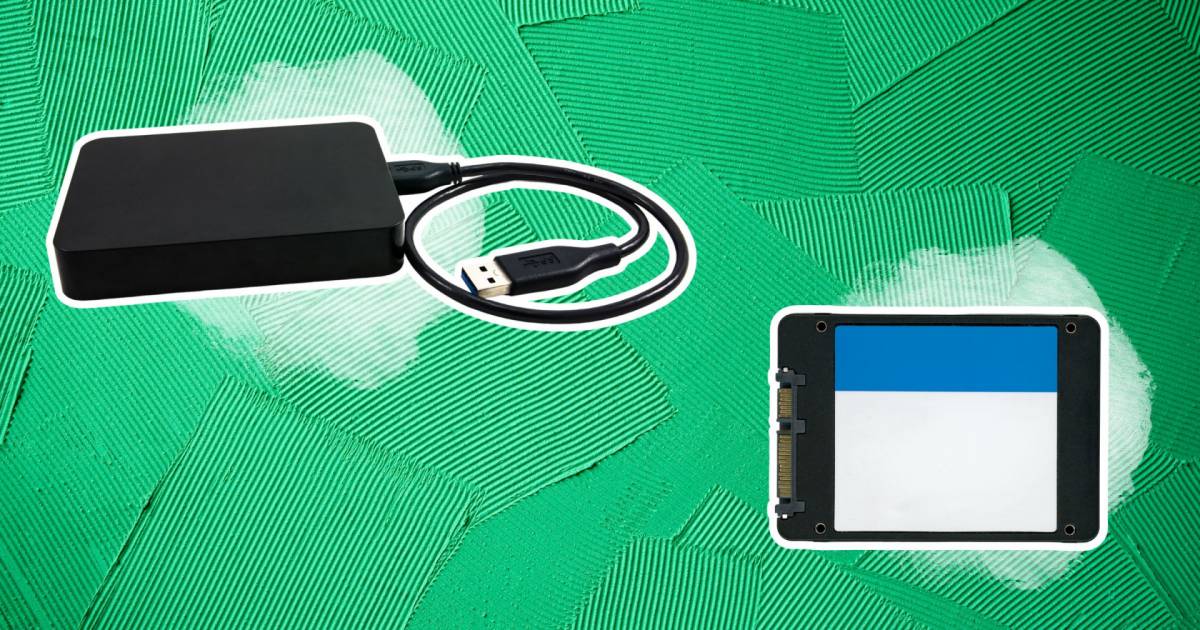
Best External Hard Drives For Xbox 2026 SSD Vs HDD Guide 21i6yNMsL6L . 7 Best Hard Drives For Gaming In 2026 That Video Game Blog Best Hard Drive For Gaming . Best HDD For Gaming 2020 WINNERS Ultimate HDD Buying Guide YouTube . TOP 5 Best Hard Drive For Gaming 2019 YouTube . The Best Internal Hdd For Gaming In 2026 Best Internal Hdd For Gaming 1680588152 1200 60
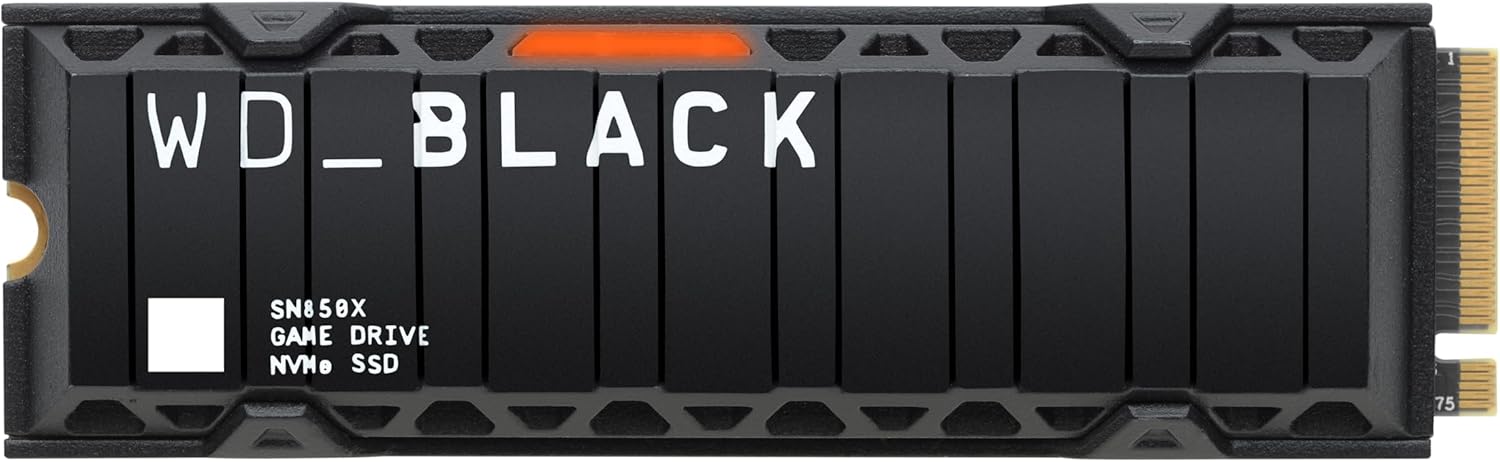
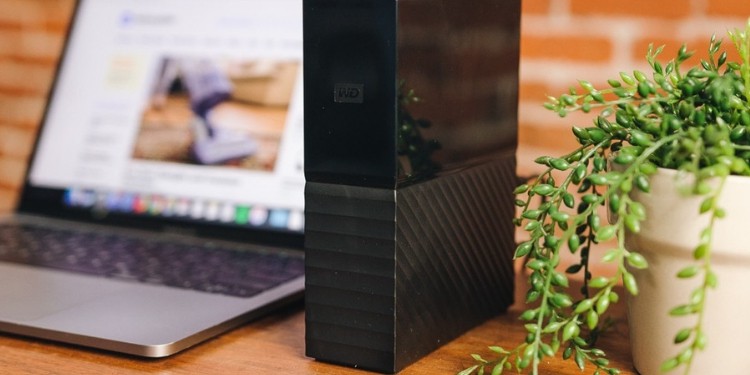
5 Best SSD And HDD Combos For Gaming In 2026 Ssdbuddy Com Product B0B7CPSN2K 6 . The Best Hard Drive For Gaming In 2026 HDD Buying Guide Best Hard Drive For Gaming . The 4 Best 1TB SSDs For Gaming In 2026 NVMe Boot Drives Is Intel Core I5 Good For Gaming Benchmark. Best External Hard Drive For Gaming 2026 Portable Console And Handheld 1200 80 . Best RAM For Gaming 2026 Fast Cheap And RGB Tom S Hardware


SSD Vs HDD Which Is Better For Your Gaming Needs In 2026 Ssd Vs Hdd . Best Hard Drive For Gaming 2026 SSD Vs HD Gaming PC Guru Best Portable Ssd For Gaming 800x500 . The Best HDDs For Gaming Standard Hybrid . Best Gaming PC Builds For 2026 Best Gaming PC Builds For 2026.webp. Best Hard Drives 2026 The Best HDDs For Desktop PCs NAS And More



Best Hard Drive HDD For Gaming 2026 Best For Speed Storage Seagate FireCuda 1TB . 7 Best Hard Drives For Gaming In 2026 That Video Game Blog Best Ssd For Gaming Thumbnail 356x263 . 7 Best Hard Drive For Gaming Reviews Of 2026 Corsair 5000d Vertical Output 1080x675 . SSD Vs HDD For Gaming Does Your Storage Affect FPS Switchblade Gaming Ssd Vs Hdd Gaming.webp. 8 Best 4K Gaming Video Cards Of 2026 Top 4k Gaming Gpus 2025